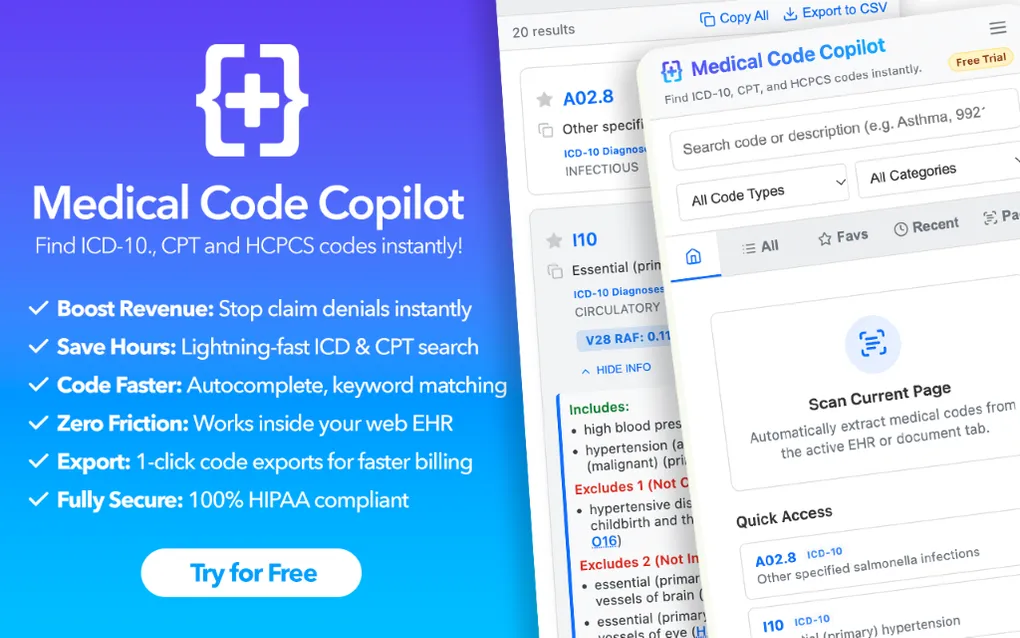
Working in healthcare billing or clinical documentation usually involves dealing with massive coding manuals or fighting against clunky EHR interfaces. Claim denials happen constantly due to simple coding errors, and verifying them is often a tedious process.
We recently took Medical Code Copilot for a spin to see if a Chrome extension could actually speed up this workflow. Here is what we found.
Fast, Offline Searching
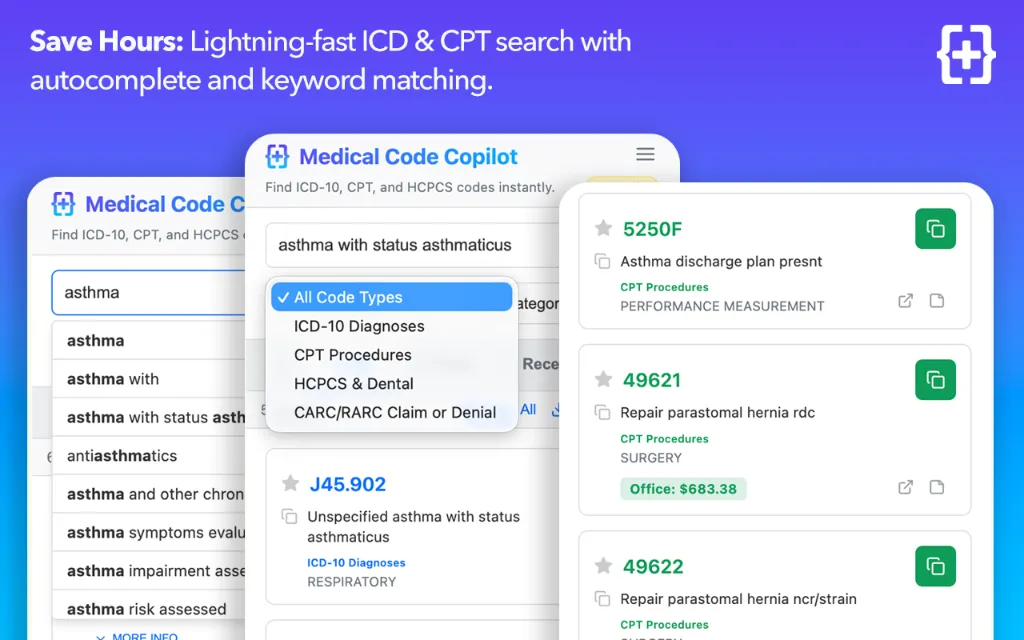
One of the most noticeable things about the extension right out of the gate is the speed. It ships with a local database of ICD-10 Diagnoses, CPT Procedures, HCPCS & Dental codes, and CARC/RARC denial codes.
Because everything is stored locally within the browser, the search is basically instant. You don’t have to wait for server calls or deal with loading spinners. You can use the side panel, or if you prefer keeping your hands on the keyboard, just type mcc in the Chrome address bar to look something up.
Scanning Text in the EHR
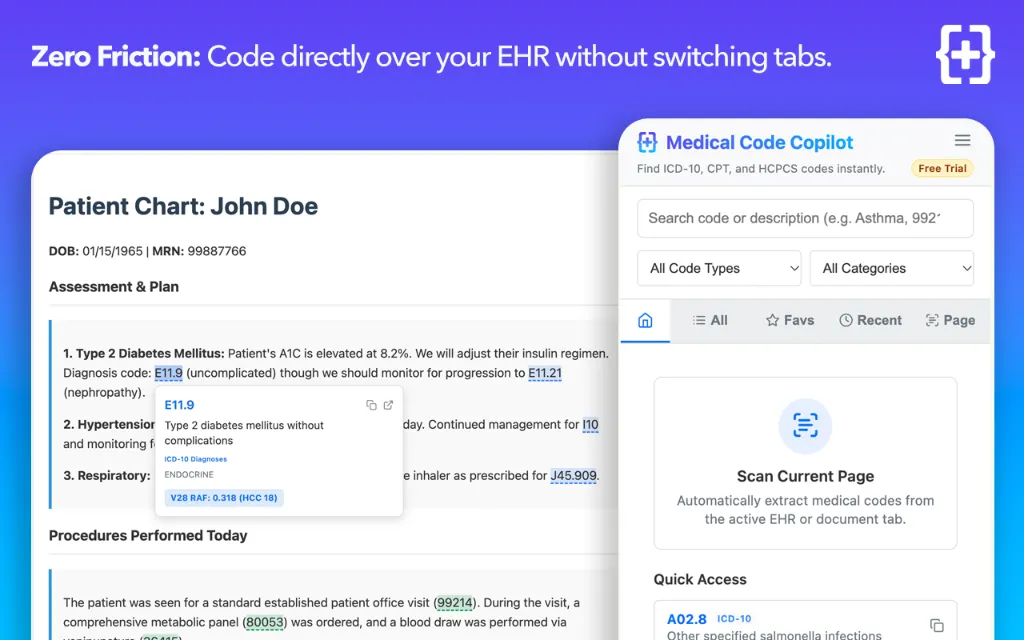
Rather than acting as a standalone tool you have to tab over to, it runs quietly in the background of your existing web-based EHR.
As you read through medical records, it detects valid code patterns and highlights them. If you hover over a highlighted code, it pops up a tooltip with the full description. It’s a surprisingly helpful detail that keeps you from constantly opening new tabs to double-check codes.
Real HCC V28 Mappings
For folks dealing with Risk Adjustment, the tooltips also include real CMS-HCC V28 mappings and Risk Adjustment Factor (RAF) scores. It’s a nice addition that helps flag complex conditions early on.
Context Menus & Exporting
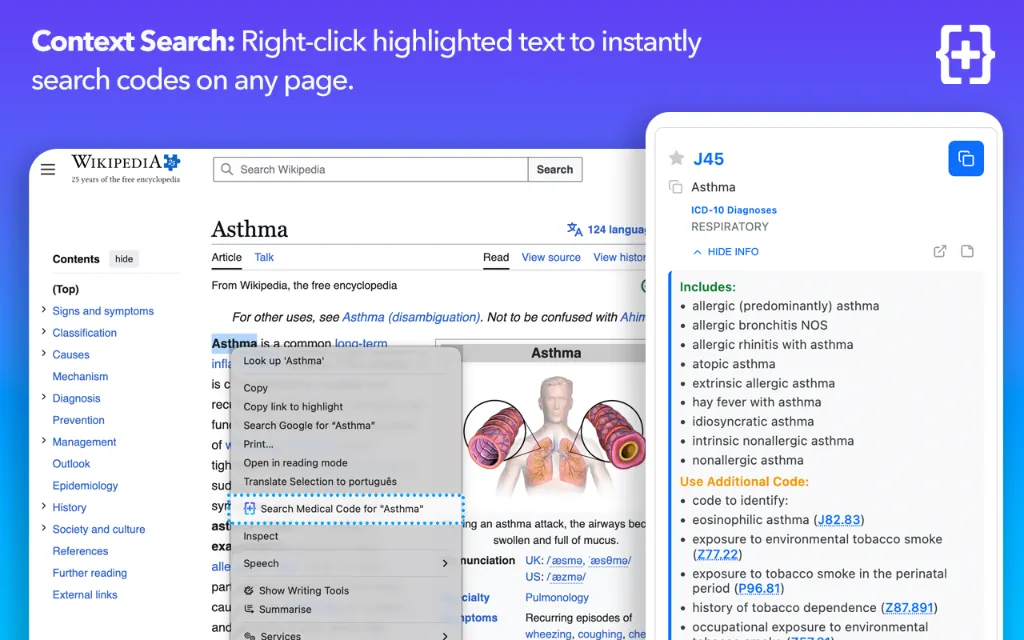
When you come across an unfamiliar medical term in a chart, you can just highlight the text, right-click, and select “Search Medical Code” to look it up on the fly.
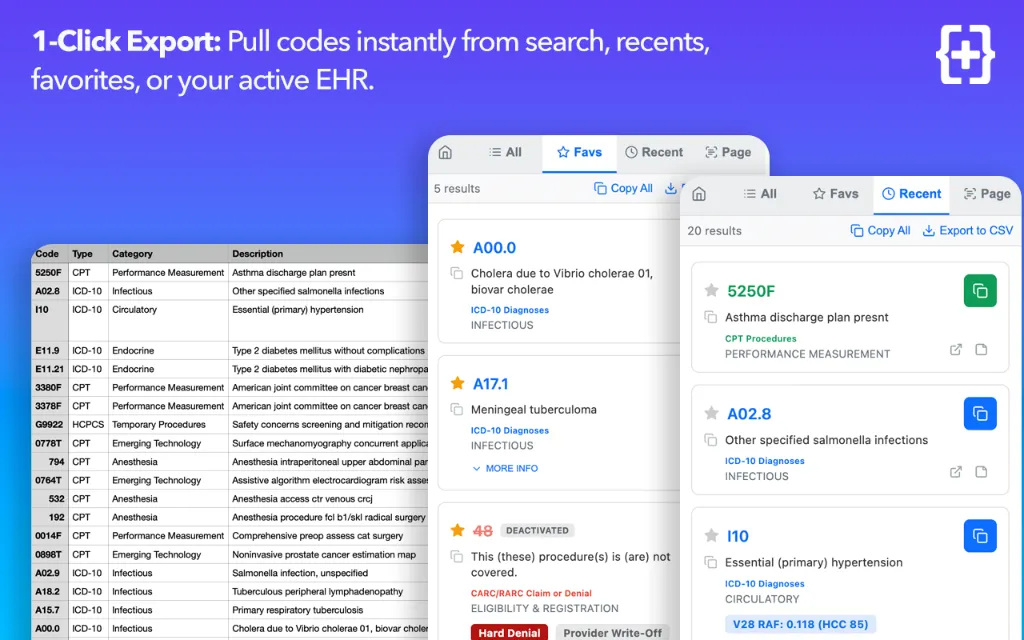
It also includes basic organization tools—you can star favorite codes, review your lookup history, and use the “Copy All” or “Export to CSV” buttons if you need to pull a list of codes into a spreadsheet for billing.
What about HIPAA Compliance?
A major concern with using browser extensions in a clinical setting is security. Thankfully, Medical Code Copilot is built to work entirely offline. Because the database is bundled locally, it never sends Protected Health Information (PHI) to external servers, keeping things strictly HIPAA compliant.
Final Thoughts
Overall, Medical Code Copilot does exactly what it promises: it makes finding and verifying medical codes much faster. It cuts out the bloat and gets straight to the point. If you spend a significant chunk of your day dealing with ICD-10 or CPT codes, it’s definitely worth checking out.
You can grab it on the Chrome Web Store here.
Continue Reading

5 Tiny, Free Web Tools That Do Just One Job Perfectly

7 Hidden Browser Tricks You’ll Wish You Knew Five Years Ago

The Anatomy of a Minimalist Desk: What Actually Matters for Daily Focus

Tab Debt: Why You Have 47 Tabs Open (And How It’s Ruining Your Focus)

The 'Dumb Tools' Revival: Why People Are Abandoning Complex Apps for Plain Text